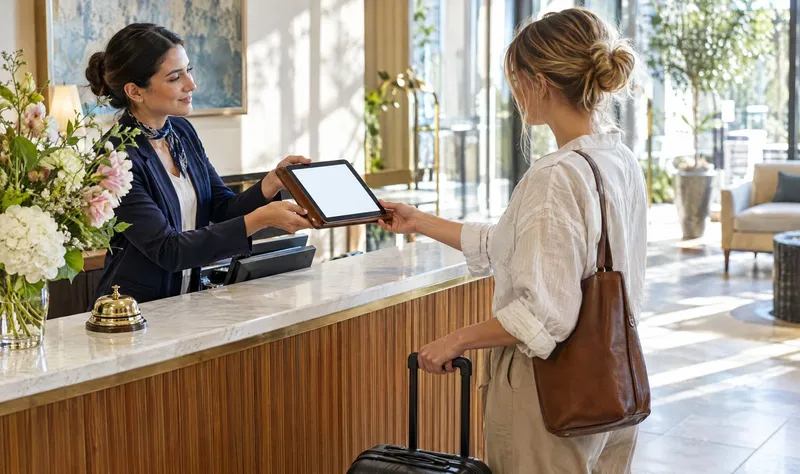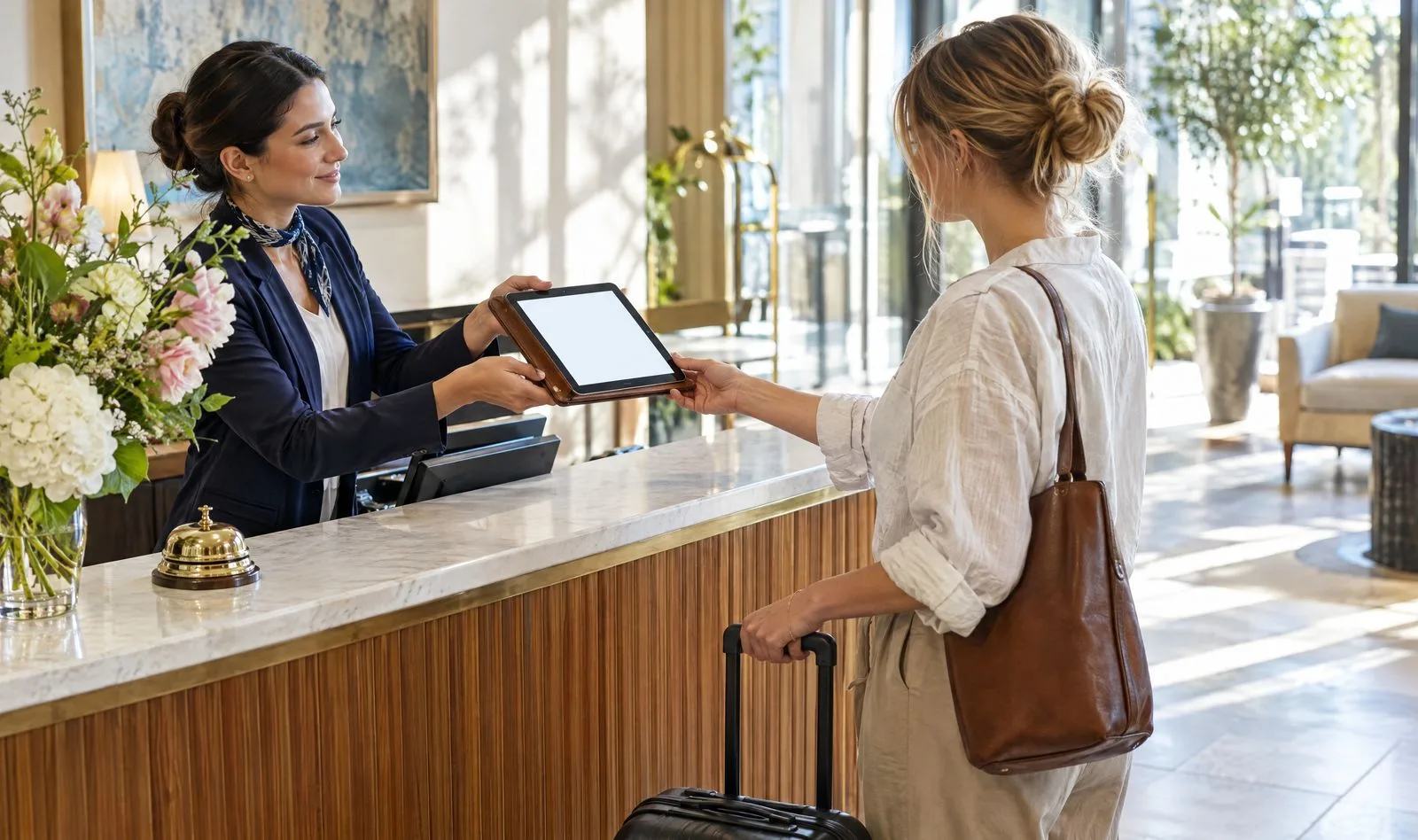
If customers walk through your door, you have the easiest review request there is. You do not need their email or phone number. You need a small card, a QR code and one sentence.
Here is how to do it well.
Why QR codes work in person
The moment of highest goodwill is often right at the end of the visit: the bill is paid, the haircut looks good, the car is fixed. A QR code lets someone act on that feeling in ten seconds, on their own phone, without anyone handing over contact details.
Where to put it
- At the till or counter, at eye level, facing the customer.
- On the receipt or the bill folder.
- On table cards in restaurants and cafés.
- On the door as people leave.
- In the box for orders and deliveries.
- On your invoice for trades and services.
Two or three places is plenty. One card at the till is better than ten cards nobody notices.
What to print
Keep the card simple:
- A short ask: "How did we do? Tell us in 2 minutes."
- The QR code, at least 3 cm wide.
- A short web address underneath for people who prefer to type.
- Your name or logo.
That is all. No stars, no "Love us? Review us!", no offers. The FTC rule and Google's policies do not allow incentives for reviews, and wording that steers people toward a positive review causes the same problem. Ask for an honest review, every time.
What to say
People ignore cards. They respond to people. A single line from staff makes the card work:
"If you have a minute, we would love an honest review. The code is right here."
Say it to every customer, not just the ones who seem delighted. Asking only the happy ones is review gating, and it is banned. We explain why in review gating is banned: here's what to do instead.
Test it before you print
- Scan it with two different phones, in the light where it will sit.
- Check it opens the review form directly, not your homepage.
- Check it works without a login wall where possible.
- Make sure the printed short address works too.
Mistakes that make customers ignore it
- Too small. Under 2 cm and older phones struggle.
- Glossy and lit from above. Glare kills scans. Use matte card.
- Hidden. Behind the card machine, under the counter, on the wall behind staff.
- Pointing to a homepage. Every extra tap loses people.
- No human ask. The card supports the sentence. It does not replace it.
Measure it
Use a QR link that tells you where scans come from, for example a different code for the table cards and for the receipts. After two weeks you will know which spot works and can drop the rest.
With Reputfy
Your Reputfy review link works as a QR code: put it on a card at the till or a table tent, and it opens your review form directly. Reviews arrive sealed on your public page, and you can reply from your dashboard. If you also ask by text or email, our scripts are in how to ask customers for reviews by text and email.